
Table of contents
TL;DR
- Find out which keywords bring you Google traffic
- Learn why keyword rankings drive SEO growth
- See core tools for organic traffic analysis
- Follow a straightforward ranking discovery process
You’ve poured hours into building your website, yet you still find yourself wondering why organic traffic isn’t climbing—or which search terms are bringing people to your site at all. If you’re a website owner or digital marketer, not knowing exactly what keywords your website is ranking for can feel like driving blindfolded.
This guide walks you through the exact process of discovering your ranking keywords, why these rankings matter for your growth, and how to analyze them like a pro. You’ll learn core search concepts, step-by-step methods for uncovering your rankings, and see real examples to make keyword analysis actually useful for your SEO strategy.
What Is Your Website Ranking For? A Clear Definition
Knowing exactly what keywords your website is ranking for is the first step toward understanding your site's SEO performance. Let’s break down what 'ranking' means in search engine terms and why it matters for anyone aiming to grow organic visibility.
Keyword ranking explained
Keyword ranking is your website's visibility in search engine results for specific search terms that users enter on Google or Bing. When someone asks, "What keywords is my website ranking for?", they're really asking which search queries bring up their site in the results—and on what page. In practice, most site owners use tools to identify which terms their pages appear for, along with the exact ranking position. This practical insight helps prioritize high-potential keywords and flag content that needs improvement. For a hands-on approach to uncovering your site's keywords right now, experiment with a Ranked Keywords Checker to get instant visibility into your organic performance. According to Top 8 Seo Tips To Improve Your Law Firm Website, regularly monitoring keyword rankings is one of the most reliable ways to spot trends and new content opportunities before competitors do.
Key SEO terminology
Understanding the main terms behind keyword ranking streamlines your workflow and avoids confusion. Search engine results page (SERP) refers to the page displayed after a user submits a search query. Search volume measures how often a keyword is searched monthly. Keyword difficulty reflects how tough it will be to rank for a term, based on factors like competition and authority. Other essential terms:
- Organic traffic: Visitors arriving via unpaid search results.
- Intent: The reason behind a search—informational, transactional, or navigational. Grasping these lets you put ranking data in context and shape strategy accordingly. If you’re planning a site overhaul or content campaign, review Topical Authority resources to see how they match your goals.
Understanding SERP positions
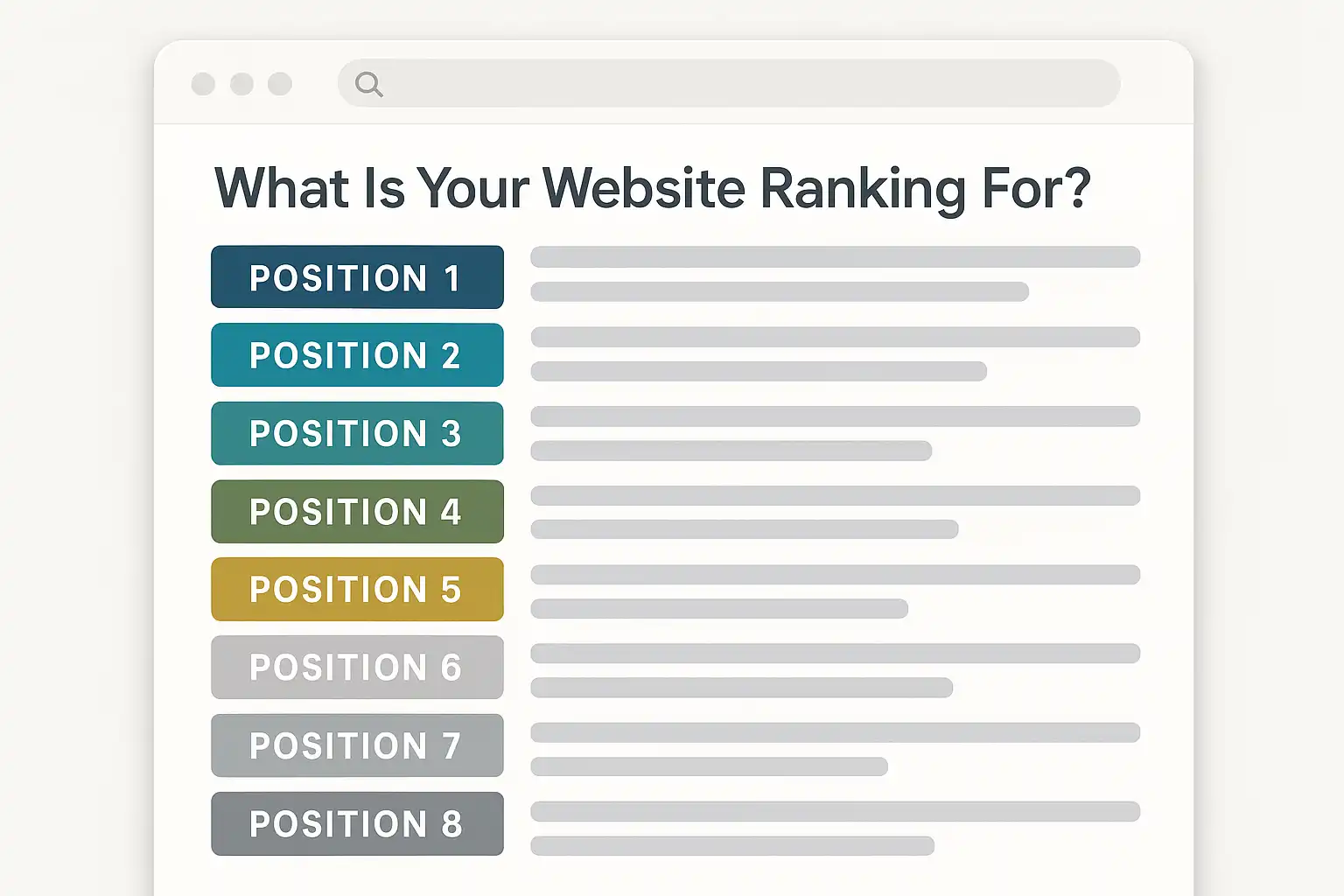
A website's SERP position is its ranking spot for a given keyword—page 1, slot 3, and so on. The higher the position, the more visible your content is to users searching that term. According to most SEO practitioners, landing in the top three spots can drive the majority of clicks for competitive queries. In practice, teams often find shifts in ranking after content updates or technical changes—sometimes small tweaks make a big difference, but drops can surprise you. Tracking tools and regular analysis can reveal which changes correlate with up or down movement. For a baseline, check how Topical Authority works to keep tabs on your evolving rankings.
Tip: Rankings fluctuate over time due to algorithm changes, competitor updates, and fresh content—so monitoring your keywords weekly gives a clearer view than checking once a month.
Why Tracking Keyword Rankings Matters for Growth
Tracking which keywords your website ranks for is a core part of sustainable SEO growth. It goes far beyond vanity metrics—revealing concrete paths to improve visibility, gain traffic, and measure SEO impact over time.
Key Benefits
Tracking keyword rankings is the only way to accurately gauge SEO progress and uncover new growth opportunities. According to Concrete Internet Marketing, businesses that regularly monitor their keyword positions can adapt faster to search trends and algorithm updates. You’ll see which efforts actually move the needle—and spot quick wins, like keywords moving from page two to page one.
In practice, this means you’re not flying blind. Knowing what keywords your website is ranking for helps clarify which topics resonate with your audience and where content needs work. Teams often find that routine tracking surfaces forgotten blog posts or thin landing pages that almost rank for high-volume queries. Updating these can drive meaningful organic lifts—sometimes more so than launching new content.
Curious how keyword tracking fits with your workflow? Review the Topical Authority feature to see how comprehensive dashboards make the process actionable.
Common Use Cases
The main use cases for keyword ranking tracking include content planning, competitive analysis, and measuring SEO campaign results. For content teams, this data answers “what keywords is my website ranking for and which matter most right now?”—helping you prioritize updates or expansion.
Competitive teams use ranking reports to benchmark against rivals and fill gaps. For example, you might notice competitors ranking for product keywords your site misses entirely. That’s a signal to add or overhaul related pages.
In my experience, one common pitfall is treating rankings as a static metric. Rankings shift daily. The real value comes from monitoring trends—identifying upward or downward movements and adapting your strategy. See more practical keyword discovery tips in the Ranked Keywords tool, which spotlights gaps and quick-win queries.
Expert Insight: The fastest organic growth usually comes from capturing keywords you're just shy of page one for—the so-called "low-hanging fruit." Prioritizing these over chasing brand-new, high-difficulty terms is a time-tested SEO move.
Core Ranking Concepts You Need to Know
Understanding what influences website keyword rankings is essential if you want to find what keywords your website is ranking for. The three most important elements? Analytics, ongoing keyword research, and the impact of backlinks on your domain’s visibility.
Website analytics and traffic sources
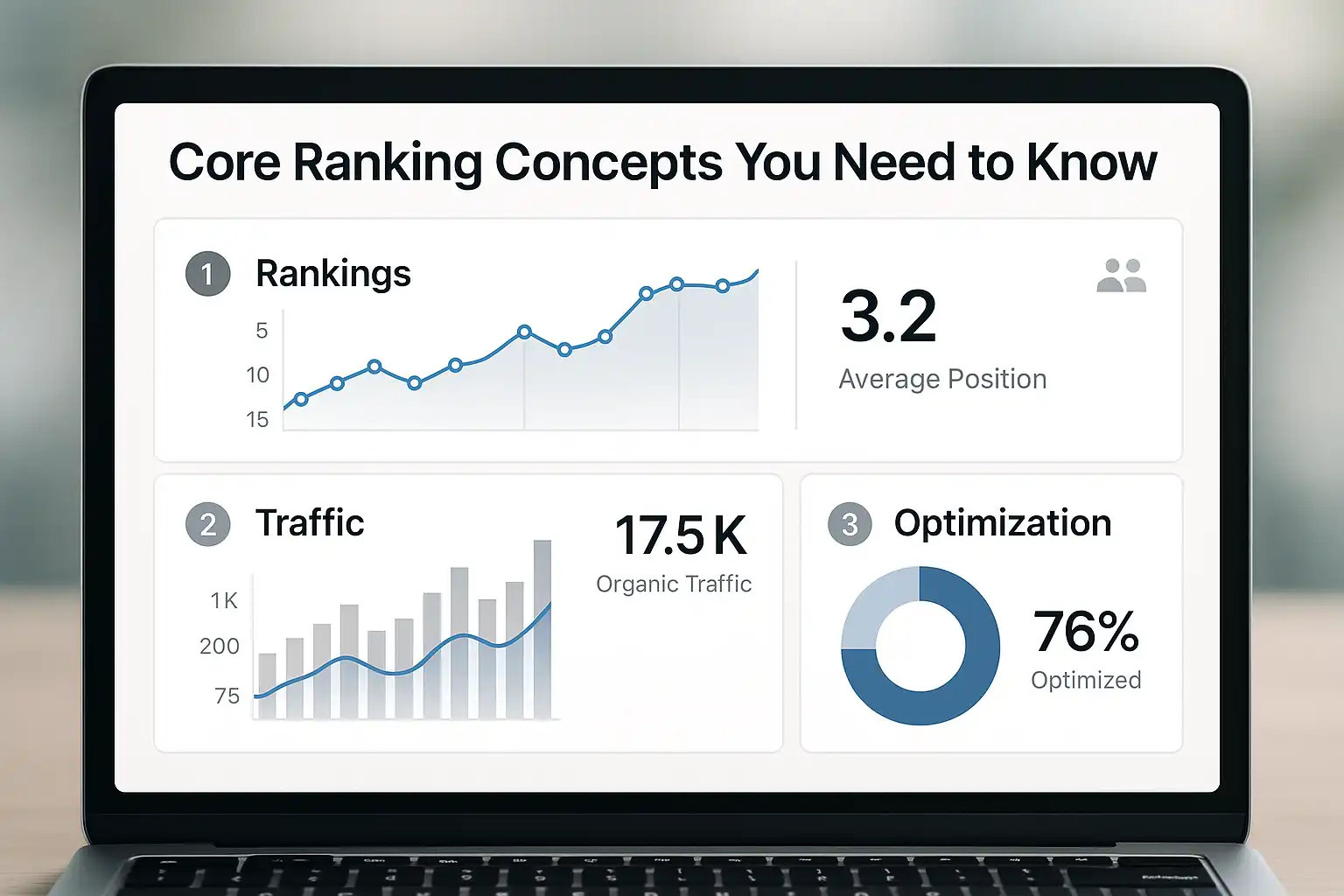
Website analytics is the primary method for tracking how users find and interact with your site. According to The Comprehensive Approach, reviewing traffic sources in tools like Google Analytics or Search Console is crucial for pinpointing which keywords actually drive your visits. You’ll typically see traffic broken out by organic search, referral sources, and direct visits—all important, but for SEO, those organic search terms are where your ranking opportunities lie.
In practice, many teams start by looking for spikes in organic traffic and then drill down to the queries bringing those visitors in. If you want to fully automate the process, platforms that see all integrations with analytics and ranking tools can really save time. Just bear in mind: analytics won’t always show every keyword (think “not provided” gaps).
Keyword research and competitor analysis
Keyword research is the process of identifying relevant search terms for your website, while competitor analysis helps reveal which phrases rivals are already ranking for. Keyword research is finding and prioritizing search terms that align with your goals and audience. Most successful content plans start with targeted keyword research—often using tools that pull in current, high-potential phrases.
A smart move is to see keyword research strategies that consider both your domain’s authority and the level of competition on each term. Teams often realize their competitor’s rankings highlight missed content gaps or “quick win” opportunities. It isn’t about copying—more about spotting areas where you can realistically compete. Don’t forget to factor in search intent: not every popular keyword will actually bring in the right visitors for your site.
Backlink profile impact
A site’s backlink profile is the collection of external links pointing to its pages—and it strongly influences keyword rankings on Google. Backlink profile impact is the measurable effect that incoming links from other sites have on your organic visibility. Search engines treat quality backlinks as votes of confidence, with more relevant links often boosting a page’s authority.
In practice, you’ll notice that sites with diverse, reputable backlinks tend to outrank otherwise similar competitors. But there’s a catch: not all backlinks are equal. Low-quality, spammy links can actually hurt you. Many teams use dedicated Directory Studio features to focus on trustworthy sources and avoid common pitfalls like irrelevant or manipulative link schemes.
Expert Insight: Regularly monitoring both keyword performance and your backlink profile helps you spot ranking issues early—long before they impact your search traffic.
How to Find Which Keywords Your Website Ranks For: The Complete Process
To discover what keywords your website is ranking for, you need a clear, methodical approach. By following these steps in sequence, you’ll eliminate guesswork and surface data that shapes smarter SEO decisions.
Step 1: Run an SEO audit
Running an SEO audit is the baseline for uncovering what keywords your website may rank for overall. A technical SEO audit reviews both the visible and hidden elements influencing how search engines interpret your pages. Most audits flag crawl errors, missing metadata, duplicate content, and issues with Core Web Vitals—each can impact rankings in subtle but important ways.
In practice, teams often discover that technical glitches (like noindex tags or slow load times) keep pages off Google’s radar. Regular site crawls using a tool like Technical Health simplify this process. According to Authority Ventures, auditing site health is a crucial first move before analyzing specific keyword positions. Skipping this step risks letting invisible issues distort all downstream ranking data.
Step 2: Use keyword ranking tools
Keyword ranking tools are the most direct way to identify precisely what search queries your site currently appears for. Keyword ranking tools are software platforms that monitor a domain's presence on search engine results pages for specific keywords.
For fast answers, a resource like Ranked Keywords lets you see your updated positions—no login required. These tools show which terms you own, positions by country or device, and often estimate search volumes and difficulties. Hands-on, this is where surprises emerge: many sites rank for unexpected phrases, revealing content opportunities or highlighting off-topic wins. Reviewing your actual ranking footprint can guide new content or reveal areas for Topical Authority upgrades.
Step 3: Analyze organic traffic data
Organic traffic data reveals which keywords genuinely send visitors, not just which you rank for in theory. Methods like Google Search Console’s performance reports highlight top queries, average positions, and click-through rates from search. This is where real-world impact becomes visible—pages might rank, but if no one clicks, those rankings have limited value.
From experience, correlating keyword rankings with actual traffic exposes mismatches and guides future optimization focus. It’s not unusual for keywords outside your content plan to surprisingly drive the highest-value sessions. Carefully review these insights every month, and cross-reference findings with what shows up in specialized keyword tracking platforms for the clearest picture.
Expert Insight: The most accurate keyword list comes from combining audit, ranking, and analytics data—relying on a single source often misses valuable search queries.
Real-World Examples of Website Keyword Ranking Analysis
Understanding keyword rankings becomes far more practical when you see how real websites analyze and apply their data. Here are three situations that highlight different ways site owners answer the question: what keywords is my website ranking for?
Example 1: Blog website SEO audit
A blog website SEO audit is the process of evaluating which search queries bring readers to specific posts, using dedicated tools. Blog owners often start by exporting their ranking keywords from Google Search Console or using tools like the Ranked Keywords Checker. It’s common to see that certain long-tail questions or how-to topics perform best. In practice, reviewing organic rankings helps bloggers discover overlooked terms their content already ranks for—but maybe not on page one. Prioritizing those subtopics for updates can boost visibility without writing from scratch.
According to a Udemy SEO course, regular audits can reveal "opportunity gaps" for improving both rankings and relevance with minimal effort. Most bloggers find this exercise shapes their future content calendar—especially when paired with AI-driven keyword research for fresh topic ideas.
Example 2: E-commerce site competitor keyword analysis
E-commerce keyword analysis means examining what keywords your online store—and your competitors—rank for in buyer-ready search results. Teams usually start by checking their own rankings and then map out where top competitors outperform them, especially for specific product categories or variants. A good process looks like this:
- List Focus Categories – Break down your site’s main sections.
- Compare Rankings – Input your domain and competitors into a tool like Ranked Keywords.
- Identify Gaps – Find product-related queries where you’re missing or behind.
From real-world experience, surfacing these gaps uncovers terms that drive real conversions—not only high-traffic curiosities. Teams often use findings to optimize product pages, guide internal linking, or inspire new collection descriptions, directly supporting ongoing content automation.
Example 3: Local business organic ranking review
A local business organic ranking review is the process of checking which geographic keywords trigger your site in search, focusing on city or neighborhood-level queries. Owners typically use Google Search Console to filter impressions and clicks by location-modified terms, then layer in rank tracking that surfaces city-specific queries.
In practice, most local businesses overlook how search intent can differ even a few miles apart. The best insights come from comparing rankings across their core service areas. This often leads to targeted updates—such as adding local schema or refining Google Business listings—to capture more "near me" or service-in-area searches. Reviews of site performance help calibrate future campaigns and guard against competitors creeping up in local results.
Expert Insight: Many teams find the biggest gains from keyword analysis by identifying quick-win keywords already ranking on page two—and focusing efforts there before creating brand new content.
Frequently Asked Questions
How do I check what keywords my website ranks for?
You can check your website's ranking keywords using SEO tools like Google Search Console or specialized platforms that track keyword positions. These tools provide data on which keywords your site ranks for, their positions, and search volume. SEO Ladders offers automated keyword tracking with competitor insights, making it easy to monitor and optimize your rankings continuously.
Is Google Search Console enough for accurate keyword rankings?
Google Search Console offers reliable insights into which keywords your website ranks for, but it may lack detailed competitive analysis and frequent updates. For a fuller picture, combining it with specialized tools like SEO Ladders provides more comprehensive keyword tracking, competitor intelligence, and automated content strategies tailored to your domain authority.
Why do my rankings change so often?
Your website rankings fluctuate frequently due to factors such as Google’s algorithm updates, competitor activities, and changes in search intent or user behavior. Additionally, content updates, technical issues, or backlink profiles can impact rankings. Using tools like SEO Ladders helps monitor these changes continuously, providing insights to adjust your SEO strategy and maintain stable rankings.
What if my website ranks for irrelevant keywords?
Ranking for irrelevant keywords can attract the wrong audience, increase bounce rates, and dilute your site's focus, harming overall SEO performance. It's important to regularly audit your keyword rankings and refine your content strategy to target keywords aligned with your business goals. Tools like SEO Ladders help identify and prioritize relevant, winnable keywords matched to your site's authority, ensuring your rankings drive quality traffic and conversions.
Do I need expensive tools to find my site's keywords?
No, you don't need expensive tools to find your site's ranking keywords. Free or affordable SEO tools can show which keywords your website ranks for, along with their positions and search volumes. SEO Ladders offers an AI-powered platform that automates keyword discovery, matching keywords realistically to your domain authority, saving time and cost while helping you optimize content effectively.
Conclusion
Knowing what keywords your website is ranking for is the foundation of smarter SEO decisions and real organic growth.
- Audit your site using a reliable keyword ranking tool (free or paid) today
- Sort and export the data so you can spot high-potential and underperforming keywords
- Drill down into volumes, ranking positions, and intent to guide new content
- Set a reminder to review keyword performance every month so SEO momentum never stalls
If you keep your keyword tracking routine consistent, you’ll catch quick wins and avoid losing ground to competitors. ↑ Back to top
Curious how your rankings stack up? Try our Ranked Keywords Checker right now—see your keyword positions instantly and uncover hidden opportunities, no sign-up needed.
Want this done for you? SEOLadders finds the topics, writes the articles, and gets you cited by AI and ranking on Google, on autopilot.
7-day free trial · Cancel anytime